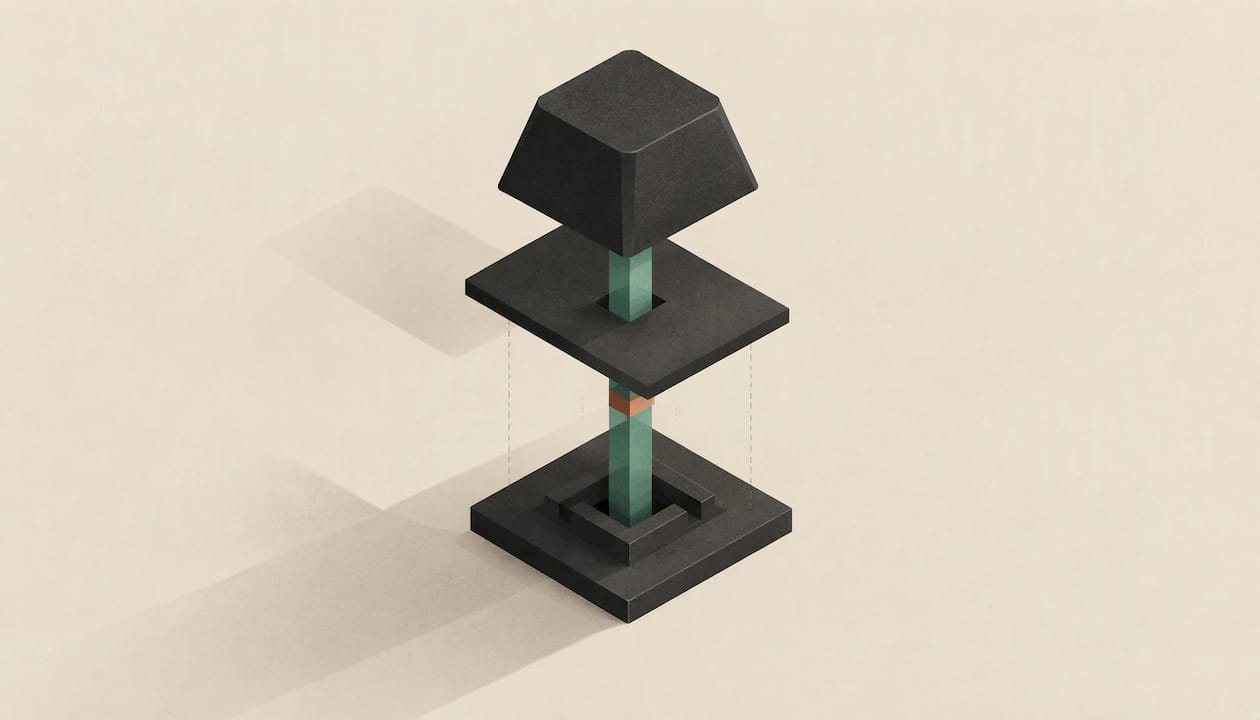
Switch travel distance is how far a key moves when you press it, measured in millimetres. Full-height mechanical switches typically move 3 to 4 mm, while low-profile switches are built to move less, so each keystroke takes less finger motion. Two numbers matter most: where the key registers (the actuation point) and where it stops (total travel). Once you know both, you can pick a keyboard that suits how you type or play. Our KeBe keyboards are built around low-profile, hot-swappable Kailh Choc switches for exactly this reason: less finger movement per keystroke.
TL;DR
- Travel is the full distance a key can be pressed. Actuation (or pre-travel) is the shorter distance at which the key registers.
- Typical desktop mechanical keyboards have 3 to 4 mm of total travel, while modern short-throw switches sit around 2 to 3 mm.
- Shorter travel means less finger motion per key. For typing, a moderate actuation point keeps accidental presses down. For gaming, a shallower one registers movement sooner.
- Compare actuation distance, total travel, force and switch feel together, not travel alone.
Table of Contents
- Three measurements that get mixed up
- What typical numbers look like
- Why shorter travel changes how typing feels
- Short travel for typists
- Short travel for gamers
- How to compare switches fairly
- Common mistakes when choosing by travel
- Our perspective
- A keyboard built around short travel
- FAQ
- Sources
Three measurements that get mixed up
Spec sheets use several terms for what feels like one thing. Here is what each means.
Pre-travel (actuation distance). This is how far you press before the keyboard registers the key. PCMag's guide to key switches describes the actuation point as the depth where the switch registers input, and notes that a smaller actuation point means the key registers with less motion.
Total travel. This is the maximum distance the switch can be pressed, from rest to the bottom of the stroke. It is always larger than the actuation point. Keyboard Wiki puts typical desktop keyboard total travel at 3 to 4 mm and says pre-travel is typically around half of total travel.

The gap between them. After the key registers, you can keep pressing until the key bottoms out, or you can let go. That remaining distance is where many typists feel the keyboard is either cushioned or jarring. A switch with a short total travel leaves less of that gap.
Put simply: pre-travel decides when the keystroke counts, and total travel decides how much your finger moves and how hard it lands.
What typical numbers look like

Full-height switches are the baseline most people know. Keyboard Wiki gives 3 to 4 mm as the typical total travel on desktop boards. Short-travel, or short-throw, designs reduce that. Keyboard Wiki notes that modern low-travel switches typically run around 2 to 3 mm, and that many 1980s low-profile switches kept the same 3.5 to 4 mm travel as their taller counterparts. So "low-profile" describes the height of the switch, and "short-travel" describes how far the key moves. The two usually go together today, but they are not the same thing.
Here is a concrete example from a switch maker's own data. Kailh lists its Choc V2 low-profile switches with a pre-travel of 1.3 mm (plus or minus 0.3 mm) and a total travel of 3.2 mm (plus or minus 0.25 mm), in a switch body only 8.6 mm thick. Note the tolerance. Switch travel is a range, not an exact figure, so two switches from the same batch can differ by a fraction of a millimetre.
| Measurement | Typical full-height switch | Typical short-travel switch |
|---|---|---|
| Total travel | 3 to 4 mm | About 2 to 3 mm |
| Pre-travel | Often about half of total travel | Often 1 to 1.5 mm |
| Finger motion per keystroke | Larger | Smaller |
| Body height | Taller | Slimmer |
The pre-travel row is a rule of thumb from Keyboard Wiki's "about half of total travel" and the Kailh datasheet above, not a guarantee for every switch.
Why shorter travel changes how typing feels
Every keystroke is a small movement of the finger, wrist and forearm. A switch that registers at about 1.3 mm and bottoms out at about 3.2 mm asks for less movement than one that registers near 2 mm and bottoms out at 4 mm. Over a day of writing, coding or data entry, that adds up to thousands of shorter strokes.
What you can expect in practice:
- Less lift and drop. Your fingers hover closer to the keys, so repeated strokes feel lighter and quicker.
- Easier rolling between keys. When keys register early, quick sequences of letters flow with less overlap.
- A different landing. Short travel stops sooner, so you feel the bottom of the stroke more quickly. Many typists adapt within days, particularly once they stop pressing all the way down.
Travel is one part of comfort. Layout matters just as much: our guide to ergonomic mechanical keyboard benefits covers how key placement and switch choice work together to reduce strain.
Short travel for typists
If you type for hours, aim for a switch that feels controlled rather than merely fast. A very shallow actuation point can register a stray touch from a resting finger, especially if you rest your fingers on the home row. A moderate actuation point, with short total travel, gives you the reduced motion without hair-trigger sensitivity.
Things to check:
- Actuation force. Spec sheets list the force needed to register a press. The Kailh Choc V2 red switch, for example, lists 43 gf (plus or minus 10) of operation force. A lighter switch takes less effort per key, a heavier one resists accidental touches.
- Switch feel. Linear switches glide straight down. Tactile switches have a small bump at the actuation point that tells you the key registered. Our comparison of linear vs tactile switches helps you choose.
- Noise. Shorter travel changes the sound of the bottom-out. See our piece on what makes low-profile keyboards loud or quiet.
- Layout. The best switch on a layout that makes your fingers travel far across the board still leaves you with extra motion. This is why the Matrix-Dvorak layout and straight-column key grid on KeBe keyboards are designed to keep letters close to your hands.
Short travel for gamers
In games, the question is how quickly a press becomes an input. A shallower actuation point means the key registers sooner after your finger starts moving. Gear Geeks' actuation point guide gives an indicative calculation at a 150 mm/s finger speed: a 1.2 mm press takes about 8.0 ms, roughly 5.3 ms less than a standard press. It is an estimate, and it shows that the saving is small in absolute terms. What many players notice is not the milliseconds but the feel: less distance to travel makes rapid taps and direction changes feel more immediate.
The same guide suggests that most people land between 0.8 and 1.2 mm for movement keys, and keep typing keys closer to 2.0 mm. That is a useful split if your board lets you set actuation per key. If your keyboard has a fixed short-throw switch, a 1.2 mm actuation point is a reasonable all-rounder for both play and writing.
Two more specs to look for beyond the actuation distance:
- Reset point. This is where the key registers as released. A reset point close to the actuation point means faster repeated taps.
- Hysteresis. This is the gap between actuating and resetting. A small gap helps rapid taps, a larger gap helps avoid double registrations.
If you are weighing switch types, our comparison of optical and mechanical keyboards goes into how each registers a press.
How to compare switches fairly
Travel numbers only help when you read them in the same way across products. Use this routine.
- Find both numbers. Look for pre-travel (or actuation distance) and total travel. If a listing gives only one, you are comparing half of the picture.
- Read the tolerance. A figure like 1.3 mm plus or minus 0.3 mm means the real switch can sit anywhere in that range. Treat differences smaller than the tolerance as noise.
- Check the force. Actuation force and return force together tell you how the key feels. A short switch with a high force can still tire your fingers.
- Match the feel to the task. Linear for smooth gliding, tactile for a clear signal that the key registered.
- Think about the whole keyboard. Key height, layout, hand placement and wrist angle shape comfort just as much as the switch. Our guide to short-travel keyboards lists what to look for before you buy.
- Check that the switches can be changed. Hot-swappable sockets let you replace switches without soldering, so you can adjust the feel later. KeBe boards are hot-swappable.
If you want a closer look at the low-profile category itself, we explain how low-profile switches differ and who should use them, and what a low-profile keyboard means in daily use.
Common mistakes when choosing by travel
Choosing the smallest number. A very short actuation point is not automatically better. For long typing sessions, an extremely sensitive switch can register touches you did not intend.
Ignoring total travel. Two switches can share a 1.2 mm actuation point and differ by more than a millimetre in total travel, which changes how the bottom of the stroke feels.
Mixing up low-profile and short-travel. As above, a slim switch is not always a short-travel switch. Read the numbers.
Expecting an instant fit. If you are coming from a full-height keyboard, give yourself time to adapt. Your fingers have learned a longer stroke, and they need to learn a shorter one.
Our perspective
We build KeBe keyboards on a simple idea: every unnecessary millimetre your fingers travel is a cost you pay thousands of times a day. Travel distance is one half of that. The other half is where the keys are.
That is why the KeBe v2 pairs low-profile Kailh Choc hot-swappable switches with a straight-column grid and the Matrix-Dvorak layout, which keeps letters centred under your hands. A short stroke on a key your finger has to reach for only moves the problem. A short stroke on a key that sits right under your finger removes it.
We also think switch feel should be personal. Hot-swappable sockets mean you can change switches as your preferences settle, and per-key RGB lighting helps you see your own layout while you learn it. Our built-in typing trainer and autocorrect are there to carry you through the first weeks, when a new layout and a shorter stroke are still unfamiliar.
Each board is assembled by hand in Canada, and the point of all of it is the same: a keyboard that asks less of your hands.
Joshua
A keyboard built around short travel
The KeBe v2 is a 68-key wired mechanical ortholinear keyboard with a USB hub, the Matrix-Dvorak layout, Kailh Choc low-profile hot-swap switches and per-key RGB. If you want to see the range, including pre-orders and the waitlist for upcoming models, the KeBe store has it all.

If you type for a living, a shorter stroke combined with a layout that keeps your fingers close to home is the combination we designed KeBe around. For gamers and customizers, the hot-swap sockets and per-key lighting give you room to tune the board to your hands.
FAQ
What is a good switch travel distance?
Full-height mechanical switches typically have 3 to 4 mm of total travel, and modern short-throw switches sit around 2 to 3 mm. A shorter stroke means less finger movement per keystroke. For most typists, a low-profile switch with roughly 1 to 1.5 mm of pre-travel is a comfortable range.
What does pre-travel mean on a switch?
Pre-travel is the distance you press before the keyboard registers the key, also called the actuation distance. It is typically about half of the switch's total travel. A smaller pre-travel means the key registers with less motion.
Is a 1.2 mm actuation point good?
For a fixed short-throw switch, 1.2 mm is a sound choice for both typing and gaming. Gear Geeks suggests most people land between 0.8 and 1.2 mm for movement keys and keep typing keys closer to 2.0 mm where the board allows per-key adjustment. If you rest your fingers on the keys, a slightly deeper point can feel more controlled.
Are short travel switches better for gaming?
They register input after less finger movement, which many players find makes fast taps feel more immediate. The measurable time saving is small, in the order of a few milliseconds in Gear Geeks' estimate. Reset point, hysteresis and switch force matter alongside travel.
Are low-profile switches always short travel?
No. Low-profile describes the height of the switch, while travel describes how far the key moves. Keyboard Wiki notes that 1980s low-profile switches often kept 3.5 to 4 mm of travel, whereas modern low-travel switches are typically around 2 to 3 mm. Always read the travel figures on the spec sheet.
Sources
- Click Clack: Your Ultimate Guide to Mechanical Key Switches, PCMag
- Travel, Keyboard Wiki
- Low-profile, Keyboard Wiki
- Kailh Choc V2 Low Profile Switch Set, Kailh
- Actuation point: how deep should a key press be?, Gear Geeks